
01
Recent
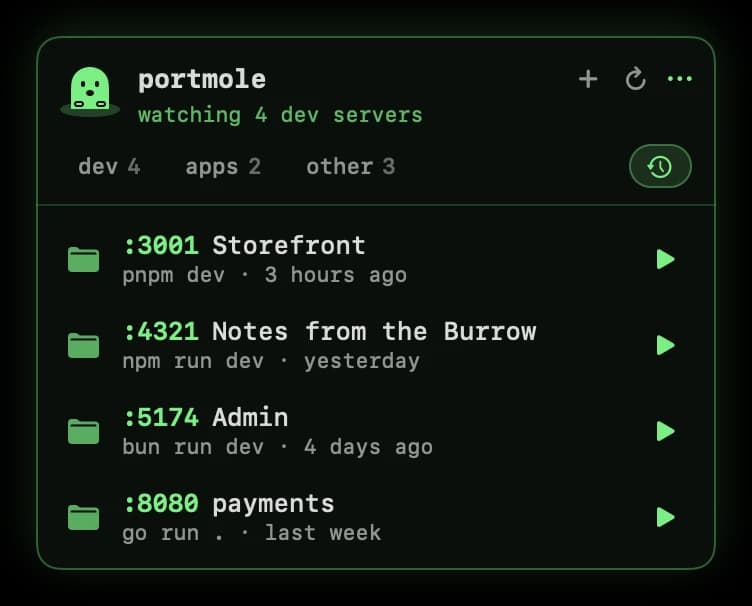
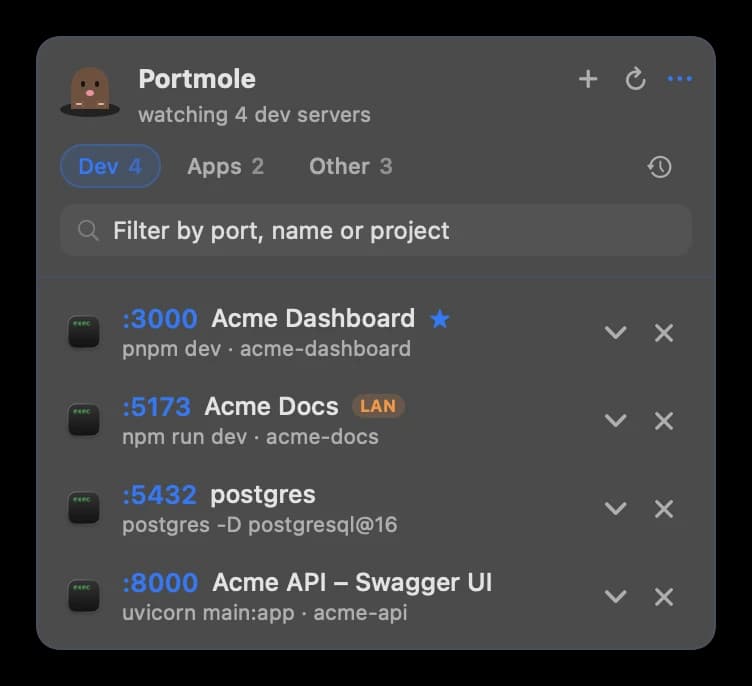
Every dev server you've run, one click from starting again. If its old port is taken, Portmole offers the next free one.
// portmole PRO
$15 once, for up to 3 Macs, with lifetime updates. No subscription. Projects run in a real Terminal window, so your logs stay visible and Ctrl‑C still works.
Every dev server you've run, one click from starting again. If its old port is taken, Portmole offers the next free one.
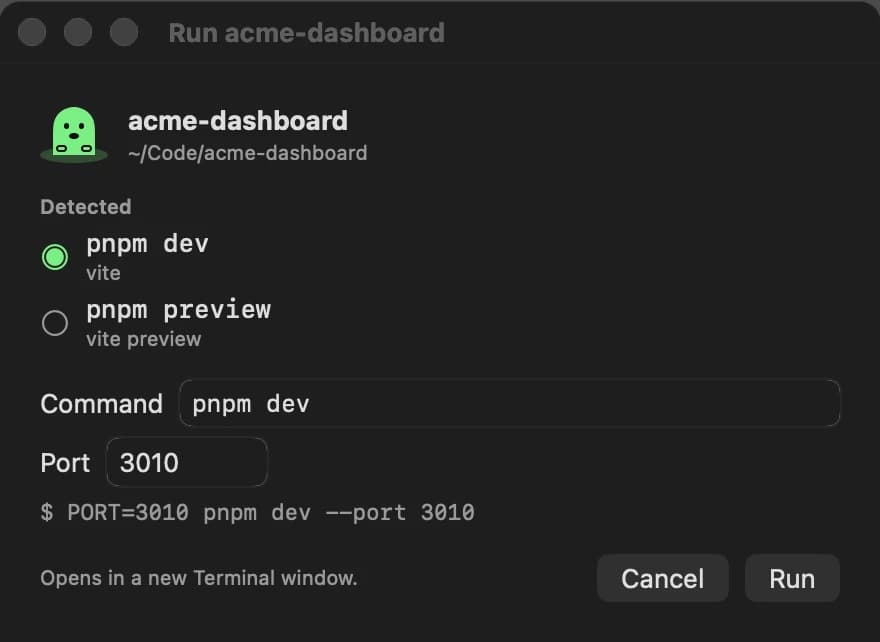
Pick any folder and Portmole works out how to run it, using the right package manager and installing dependencies if needed.
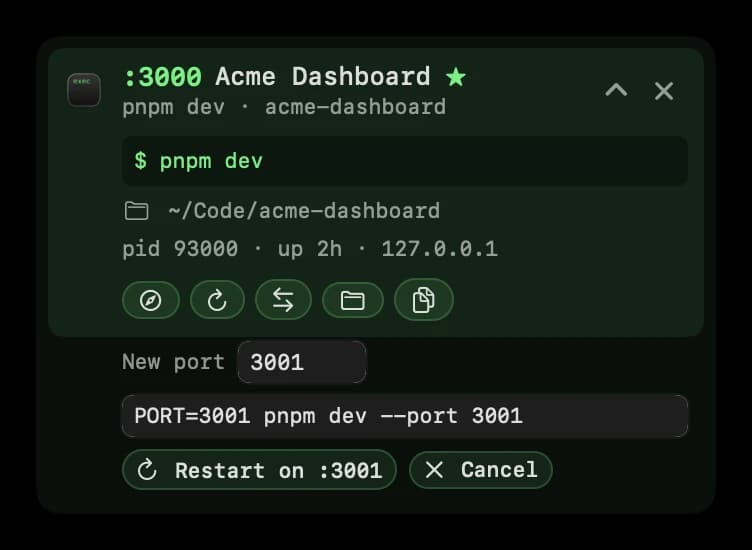
Move a server to another port. Portmole rewrites the start command for the framework (--port for Vite, Next and Astro, PORT= for Express), shows it for review, and restarts there.
// pricing
No subscription, no account. Lifetime updates on up to 3 Macs, and a 14-day refund if it's not for you.
| Feature | Free$0 | Pro$15 one-time |
|---|---|---|
| Every listening port in your menu bar, sorted into Dev / Apps / Other | ||
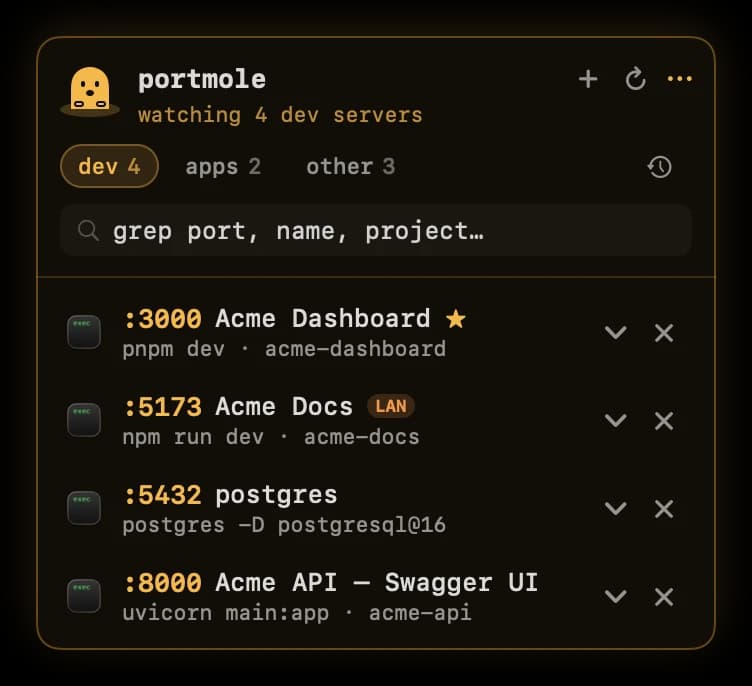
| Dev servers by page title, start command and project folder | ||
| Click to open in the browser, and search across every tab | ||
| Close ports in one click (SIGTERM, Force Quit, ⌥-click) | ||
| Reveal in Finder | ||
| Draggable screen-edge mole tab on every display (or the menu bar) | ||
| The animated mole and the Terminal theme | ||
| Restart in Terminal and copy the start command | ||
| Recent: start any past dev server again | ||
| Open a project: pick a folder, the run command is detected | ||
| Change port: rewrite the command and restart there | ||
| Live memory, CPU and power use per server, and clear a project's build caches | ||
| Run servers in the background, without a Terminal window | ||
| Stars and the LAN badge | ||
| Dev-server count in the menu bar | ||
| Amber, Ice and macOS themes | ||
| Macs | Any | Up to 3 |
| Updates | Automatic | Lifetime |
| Download | Get Pro |
Payments are handled by Dodo Payments. 14-day refund policy · Find your license key and receipts.
By downloading you agree to the Terms and Privacy Policy.